Can I change the display name for time dimension members?

Hi, apologies in advance if this has been asked before, I did try the help guides and a community search.
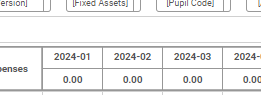
At present, in Planning > Operating Expenses the columns show the time dimension in the format e.g. 2024-01 for P1 of the year ending 2024. I am totally fine with this, but some of our contributor users struggle with periods and would like it to instead say the month e.g. Sep 2024.
I have tried to edit the dimension members in the time dimension, but there is no save option:
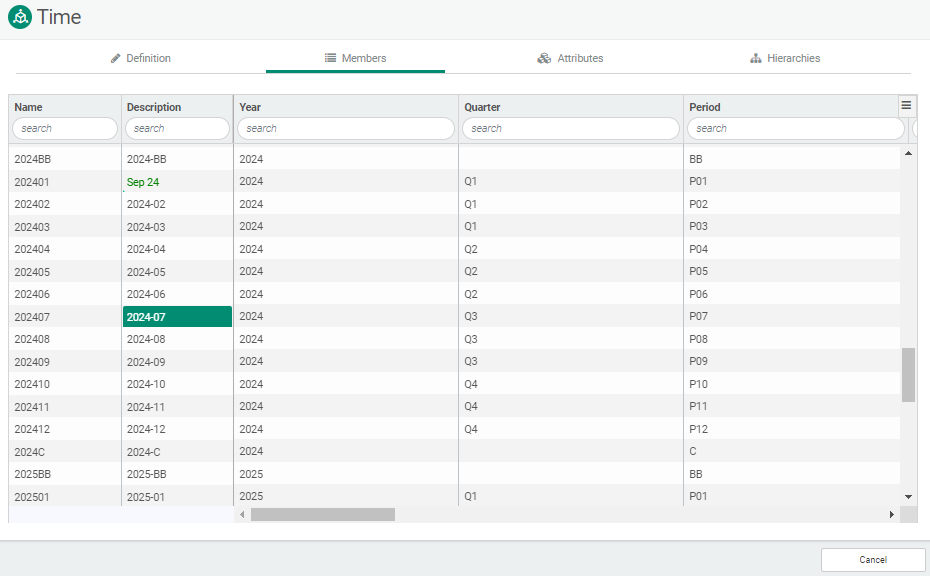
Is there a way to make this change (either via dimensions or elsewhere)? Thanks in advance!
Comments
Hi Sam,
There is not currently an option to change this.
Can you use the Submit Feedback button to share this request and use-case with our Product team?
Thanks!
The Submit Feedback button is located on the left-side Navigation Bar in Planning Maestro.
Many thanks Desiree for your very quick response, good to know either way! I will request the feature.
Please sign in to leave a comment.